Extensis Font Managers and Digital Asset Management
 

Product Highlights

Professional Font Manager for Mac OS X and Windows®

Now with parity of features in the platform of your choice

A sleek, modern interface, unmatched interactive font previews, and precise plug-in based auto-activation for the latest professional creative applications such as InDesign, Illustrator and QuarkXPress.

Learn More

Support for CS4/3/2 InDesign and Illustrator and QXP 8/7

We’re there when you’re there.

Suitcase Fusion 2 is an early adopter too with seamless auto-activation support for Adobe InDesign and Illustrator CS4 and QuarkXPress 8. Not there yet? No worries, Suitcase Fusion 2 also supports CS3/CS2 and QuarkXPress 7.

Learn More

An Interface Worth the Face Time

The perfect testing ground for your type.

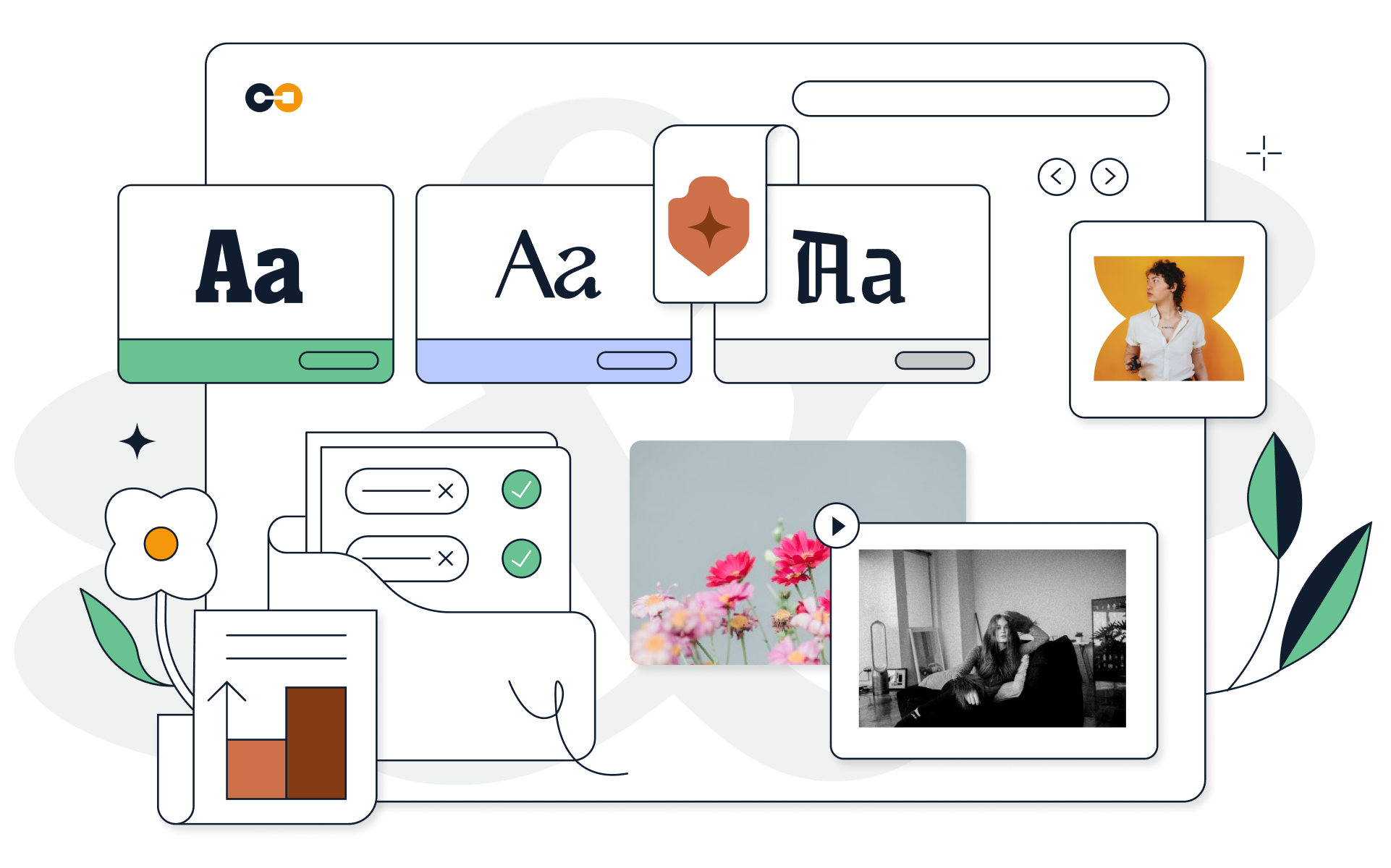
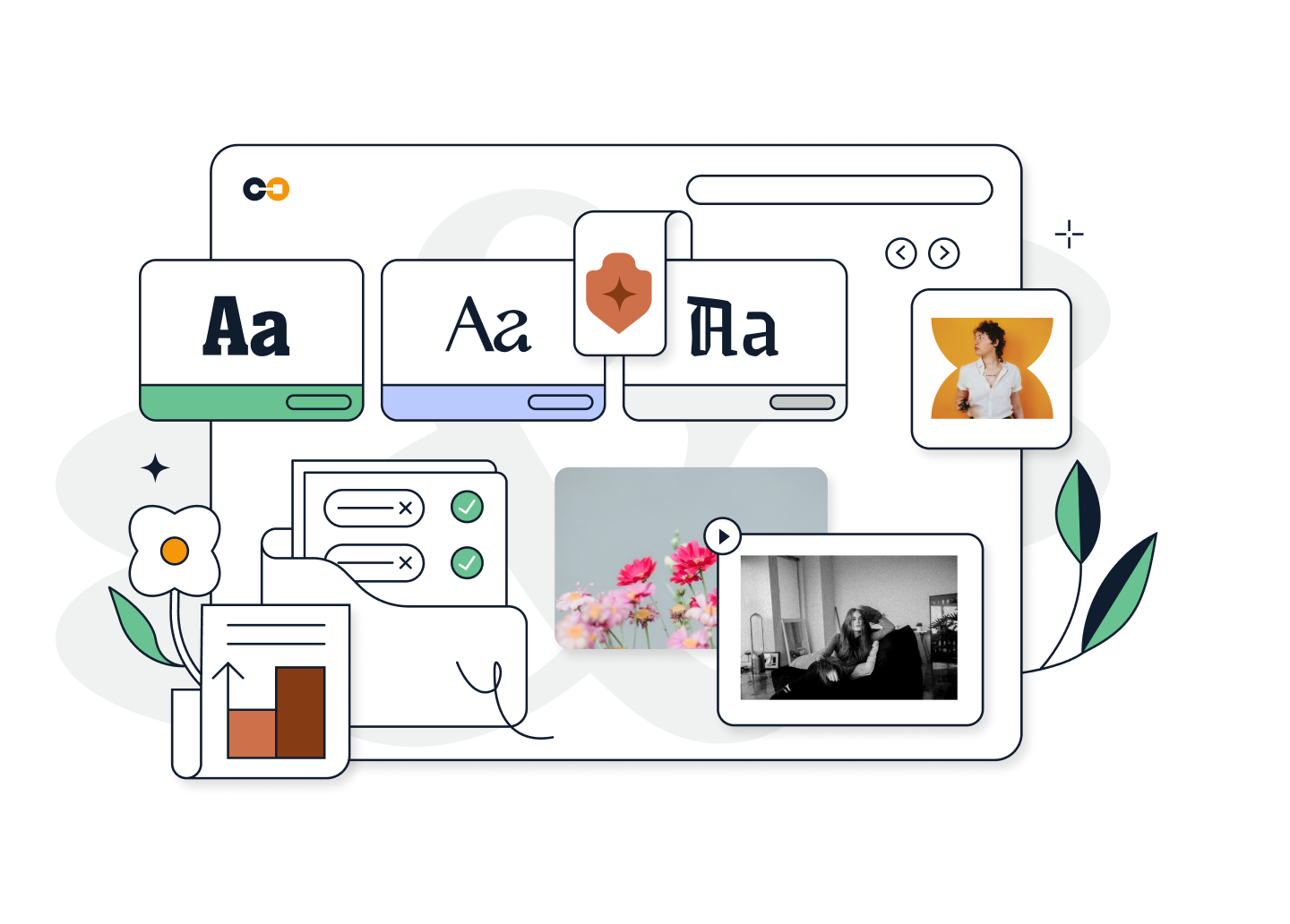
The new interface gives you the perfect excuse to mix a little play with your work. It’s sleek, straightforward design makes it easy to locate, group, examine, preview and activate any font in your library.

Learn More

Font Auto-Activation

Focus on your work, not your system.

Suitcase Fusion 2 comes with professional-grade auto-activation plug-ins for critical design and publishing apps, including InDesign®, Illustrator®, and QuarkXPress®.  These plug-ins utilize Font Sense to precisely match and auto-activate the right font types when you open a document. To avoid other conflicts, these plug-ins will also auto-deactivate the fonts upon closing a document.

Learn More

Breathtaking Previews

See your type for what it is.

Suitcase Fusion 2 offers unprecedented font and glyph preview options including a slick slider bar that lets you dynamically resize your font preview. See how typefaces stack up side-by-side even down to their individual glyphs. Tear off your previews and drop them into your document to see what they look like in action.

Learn More

Font Sense™

Get your type right.

Suitcase Fusion 2 is equipped with industry tested, patented Font Sense technology. Font Sense uses multiple criteria to uniquely fingerprint each version of a font, delivering precise font matching and auto-activation.

Learn More

New Windows Version

Mac OS X 10.6 Update


"The real icing on the cake, and what sets this version of Suitcase ahead of the pack, is the preview features it offers"... More »

Keith Martin
MACUSER 5 out of 5

"To my delight, Fusion 2 has done a remarkable job in stability, speed and usability". More »

James Dempsey
MACWORLD

"It has become the best font management tool for the Mac once again"... More »

Erik Vlietinck
IT ENQUIRER 5 out of 5

System Requirements

  • Macintosh
  • Mac OS X v10.4.11 (Tiger), 10.5.7, 10.6 (Snow Leopard)
  • PowerPC G5, Intel or faster CPU
  • 50MB of hard disk space + space for fonts
  • 256MB available RAM
  • Safari 2.0 or Firefox 2.0 or higher
  • Windows
  • Windows XP Professional SP3 (32-bit only), Vista SP1 (32- or 64-bit), or Windows 7 (32 & 64 bits*)
  • 1.6 GHz Pentium 4 or faster processor
  • 150MB of hard disk space + space for fonts (see internal note)
  • 256MB available RAM
  • Microsoft .NET 3.5 or higher
  • Internet Explorer 7 or Firefox 3.0 or higher to view web help
  • Adobe Reader 7 to view PDF documentation
  • * 32-bit emulated mode only.

More Resources

Max your type

Before Fusion 2 was ready for you, it had to be ready for Max.

WHO IS MAX?    
Webcast

Get a real feel for Suitcase Fusion 2 with our live webcast.

JOIN US    
Font Management Best Practices

Get tips and sound advice from our type experts.

READ IT